
Lessons - Jordan River Trip
If you would like the worksheets, please email gg-info@lists.utah.edu.
Teachers Guide: Jordan River BioBlitz (04/06/2022)
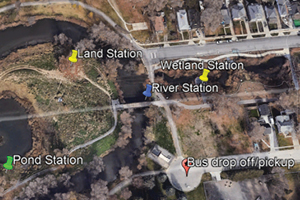
Bus will drop off students at the International Peace Gardens (Jordan River Parkway trailhead, end of W Montague Avenue). Students will split up into 4 groups and rotate amongst 4 stations:
Google maps link: https://goo.gl/maps/3RYdNsjPeLw9p3pZ9
- Wetland station
- Students will make wet slides with plant/algae/invertebrate samples taken from the wetlands, observe under a microscope, and create a sketch. Students will also take photos of animals/plants with the iNaturalist app and document on their worksheets.
- River station
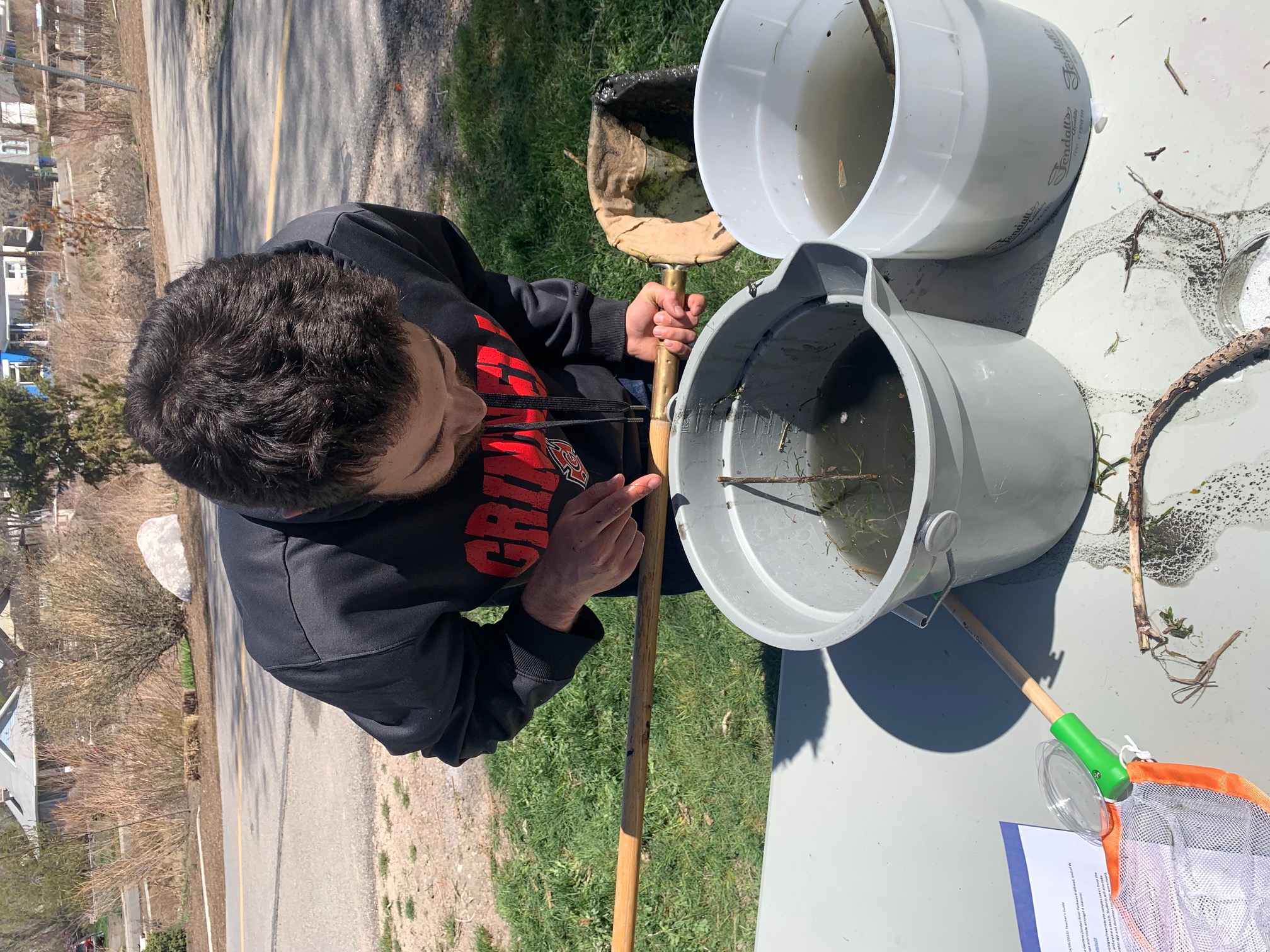
- This station will primarily focus on aquatic invertebrates (teacher at station will have a large D-net to help sample invertebrates from stream). The contents of the net will be placed in a large bucket with water, allowing students to sort through debris and find aquatic organisms. Students will photograph invertebrates with the iNaturalist app and document species on their worksheets.
- Pond station
- This station will primarily focus on birds. There are typically many ducks/geese/other waterfowl in and around the pond. Students will photograph these birds with the iNaturalist app and document species on their worksheets.
- Land station
- Students will primarily be searching for plants. Students will photograph different plants (and any other organisms they observe) with the iNaturalist app and document species on their worksheets.
Students will use the iNaturalist app for all wildlife observations. Prior to the field trip, teachers should work with students to set up iNaturalist on their smartphones. Creating a username is required for species identification. Here are the steps students will take to identify species with iNaturalist:
- Click “observe” (the camera icon at the bottom of the screen)
- Take a good picture of the plant/animal in question
- Click “use photo”
- Click “what did you see?”
- iNaturalist will generate a list of likely species based on the photo (the top option is usually correct). Select this option and click “Share”
- Have students record the species information on their worksheets. Repeat this for each species they wish to identify.
In the class period following the field trip, students will use their wildlife observations to construct a Jordan River food web. Make sure that all students hold on to their worksheets from the trip, since they will need their recorded information for this exercise.
Site Map:
Recommended supplies:
- Microscopes and slides
- Folding tables
- Buckets (for aquatic plants/invertebrates)
- Sampling nets (preferably a large D-net)
- Smartphones equipped with the iNaturalist app
- Clipboards
- Pencils
- Petri dishes (optional, for invertebrate observation)
Field Trip Photos - Jordan River Trip
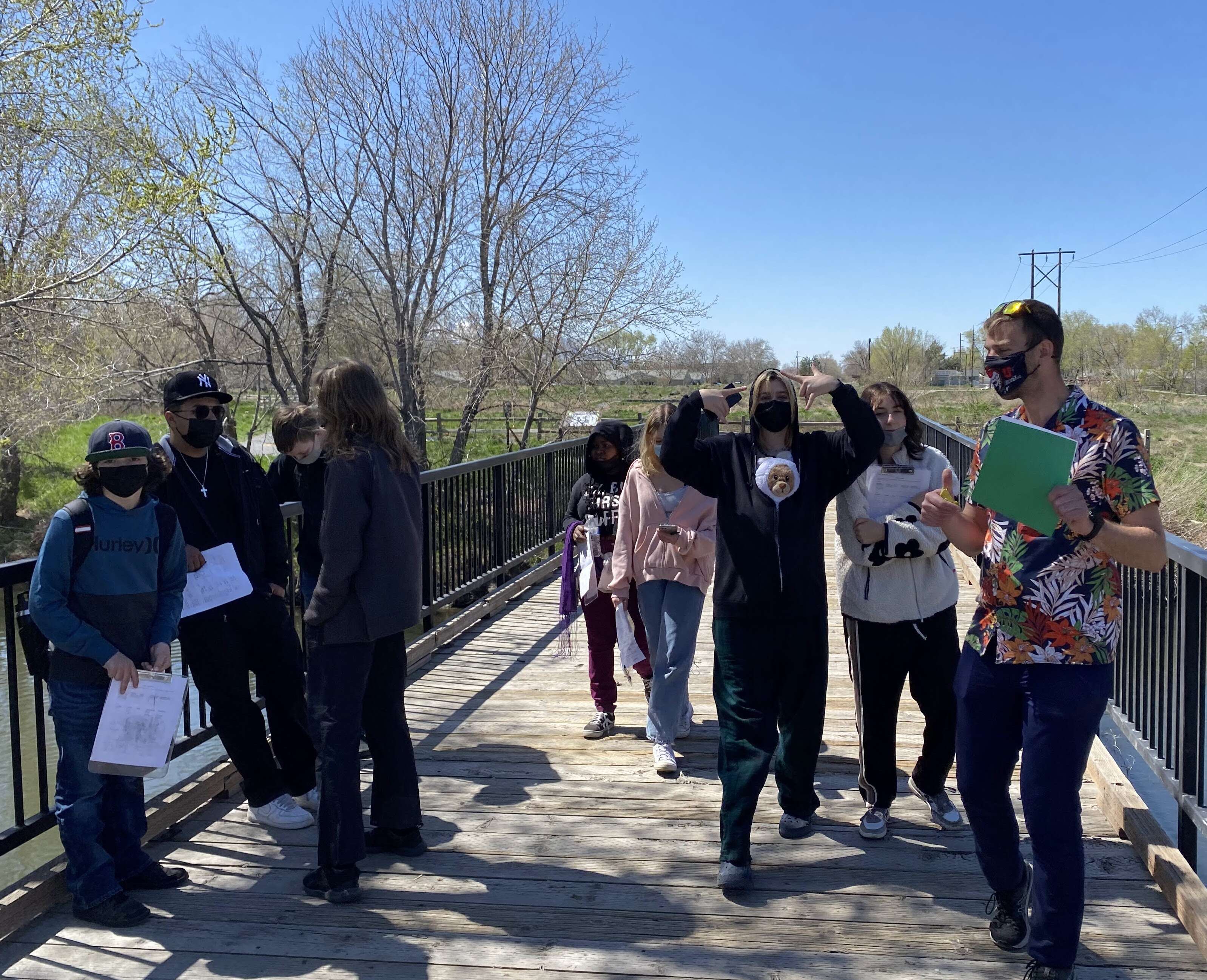
Enthusiastic students went out to the local Jordan River to conduct a "Bioblitz" activity using the iNaturalist app. They attempted to identify any plants and animals they could see, and pondered the life in water samples. They used their field trip observations to reconstruct a Jordan River foodweb.
 |
 |
 |